
Choosing the right ergonomic products for your home office starts with understanding how you work. Whether you work remotely full-time or split your week between home and the office, your workspace should support comfortable positions, easy equipment access and regular movement.
With so many accessories available, it can be difficult to decide which ones you need. A useful purchase addresses a specific problem, fits your available space and is simple enough to use every day.
This guide explains common home office ergonomics problems, what to consider when comparing products and how to prioritise improvements in a small or shared workspace.
Common Home Office Ergonomics Problems
An unsuitable working height is a common challenge. When a laptop sits directly on a desk, you may need to look down at the screen for extended periods. Raising it without adjusting the keyboard position, however, can leave your arms and wrists uncomfortable.
Long periods in one position create another challenge. At home, there may be fewer natural reasons to leave your desk, making it easy to work for hours without changing position.
Other setup problems include:
- A chair that does not provide comfortable back support.
- A desk that leaves your shoulders raised or your arms reaching forward.
- Feet that do not rest comfortably on the floor or a footrest.
- Screen glare that makes you lean or turn to see clearly.
- Limited space beneath the desk to reposition your legs.
- Frequently used items placed beyond comfortable reach.
Assess the whole workstation before buying accessories. An adjustment to your existing equipment may address some of these problems without an additional purchase.
What to Look for When Choosing Ergonomic Products
The most useful ergonomic accessories fit your body, your tasks and your workspace. Compare products according to what they allow you to do rather than relying on the word “ergonomic” alone.
Adjustability and Personal Fit
People differ in height, proportions and working preferences. Choose products with dimensions and adjustment options that suit your needs.
For example, a monitor stand should help you achieve a comfortable viewing position, while a footrest should provide support at the height you need. A desk converter must accommodate both your screen and input devices without leaving you reaching or lifting your shoulders.
Consider whether the product also allows you to change position easily. A setup that feels comfortable initially should still give you room to move throughout the day.
Compatibility with Your Existing Equipment
Check how a new accessory will work with the equipment you already own.
Before buying, confirm:
- Device size and weight compatibility.
- Available desk space and clearance.
- Product height and adjustment range.
- Stability on your desk or floor surface.
- Space for a separate keyboard and mouse.
- Storage requirements when the product is not in use.
A well-designed accessory can still be unsuitable if it does not fit your workstation.
Durability and Everyday Usability
Look for clear information about materials, construction, care instructions and warranty terms. Products used daily should remain stable and practical under normal use.
Ease of use matters just as much. If adjusting or storing an accessory is inconvenient, you may be less likely to use it consistently.
Choose products that fit naturally into your routine, especially if you need to set up and pack away your workspace each day.
Evidence Behind Product Claims
Distinguish between a product’s practical function and its advertised health benefits. Raising a laptop screen or allowing gentle foot movement is different from promising pain relief or improved productivity.
Look for clear explanations of how the product works. If specific health benefits are claimed, check whether supporting evidence relates to that product and the way you intend to use it.
Ergonomic equipment should support comfortable working habits and movement. It should not be treated as a guaranteed solution to pain or other symptoms.
Standing Desks and Active Accessories for Home Working
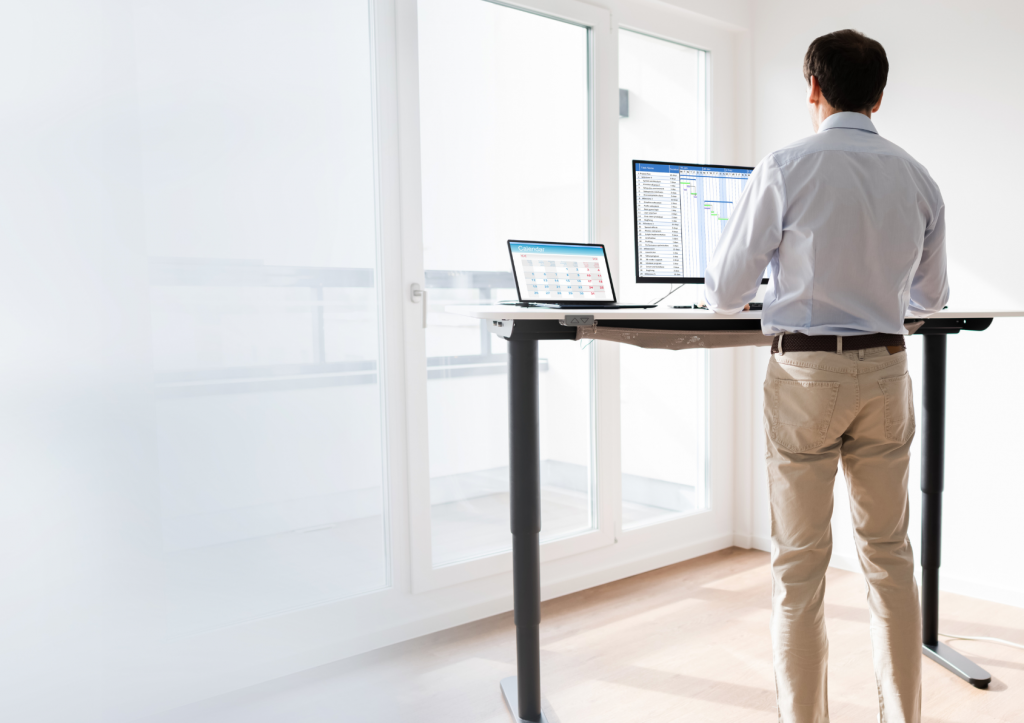
A height-adjustable desk provides an option to alternate between sitting and standing. It can be useful when you want more variety in your working day, provided the desk adjusts to suitable heights for both positions.
Standing does not remove the need for breaks. Build a routine that includes sitting, standing and walking rather than replacing prolonged sitting with prolonged standing.
An Activation Board for Standing Tasks
An activation board introduces movement during suitable standing tasks. The Gymba® Activation Board uses patented cross-flexibility to allow gentle, walking-like movement and weight shifts.
It also offers options for calf stretching and foot massage with the included massage balls.
Before choosing a standing desk board, consider its dimensions, user guidance, floor requirements and how comfortable you feel using a moving surface. Introduce it gradually and alternate its use with other positions and walking breaks.
A Laptop Stand for Screen Positioning
A laptop stand can help raise your screen to a more comfortable viewing height. The Gymba® Läppäriteline offers a lightweight, compact option for home workspaces and can also be used as a tablet stand.
For extended laptop work, pair a stand with a separate keyboard and mouse. This allows you to position the screen independently while keeping your hands within comfortable reach.
The top of the screen should generally be at or slightly below eye level, with adjustments to suit your vision and working position.
Choosing Ergonomic Products for a Small or Shared Workspace
Limited space calls for careful prioritisation. Start with accessories that solve your main setup problems and can be stored conveniently.
Prioritise Compact, Portable Accessories
If you work at a dining table or another temporary workstation, check how easily each product can be moved and packed away.
A compact laptop stand, separate keyboard and mouse may be practical first additions. If you use an activation board, make sure you have enough clear floor space to use it and a suitable place to store it.
Measure the available space before purchasing. Consider the room needed for comfortable use as well as the product’s storage size.
Choose Quick Adjustments for Shared Desks
A shared workstation needs to accommodate different users. A fixed setup that suits one person may be uncomfortable for another.
Choose equipment that can be adjusted easily and make a habit of checking the setup before starting work. Desk height, chair position and screen placement may all need changing between users.
Consider Whether Multiple Functions Are Useful
A product with several functions can be practical in a small workspace, but only if those functions meet your needs.
For example, a stand that supports both a laptop and a tablet may suit someone who regularly uses both devices. Assess each function rather than choosing an accessory solely because it offers more features.
Common Mistakes When Buying Ergonomic Accessories
Avoiding a few common purchasing mistakes can help you make better use of your budget.
Choosing by Price Alone
An inexpensive product may offer everything you need, while a more expensive option may include features you will rarely use.
Start with the problem you want to address. Compare fit, stability, adjustment options and usability before deciding whether the price represents good value for you.
Buying One Product Without Checking the Whole Setup
A new chair will not resolve every workstation issue. If your screen is difficult to read or your keyboard is too far away, those problems still need attention.
Review the whole setup and prioritise the changes that address the clearest problems. Recheck the workstation after each adjustment because changing one element can affect another.
Buying Equipment That Does Not Fit Your Routine
An accessory may look useful but prove inconvenient during normal work. Consider when you will use it, where it will stay and whether it suits your daily tasks.
Choose equipment you can introduce gradually and use comfortably. Check the seller’s trial or return conditions before purchasing if you are unsure about suitability.
Expecting Equipment to Replace Movement
Even a carefully arranged workstation should allow regular changes of position. Accessories can make movement more convenient, but breaks still need to be part of your routine.
Use natural pauses between tasks to stand, walk or move away from the screen.
Which Home Office Ergonomic Products Should You Buy First?
Prioritise purchases according to the limitations of your current setup:
- If you keep looking down at your laptop: consider a suitable stand alongside a separate keyboard and mouse.
- If your feet lack support: check chair and desk height, then consider an appropriate footrest.
- If your sitting setup feels uncomfortable: review chair support, working height and equipment reach.
- If you want to alternate working positions: assess whether a height-adjustable desk or stable desk converter fits your space.
- If standing feels too static: introduce position changes and walking breaks, then consider whether an activation board suits your tasks.
Build your home office gradually. Choose products that address a clear need, fit the available space and remain practical during everyday work.